Github SSH
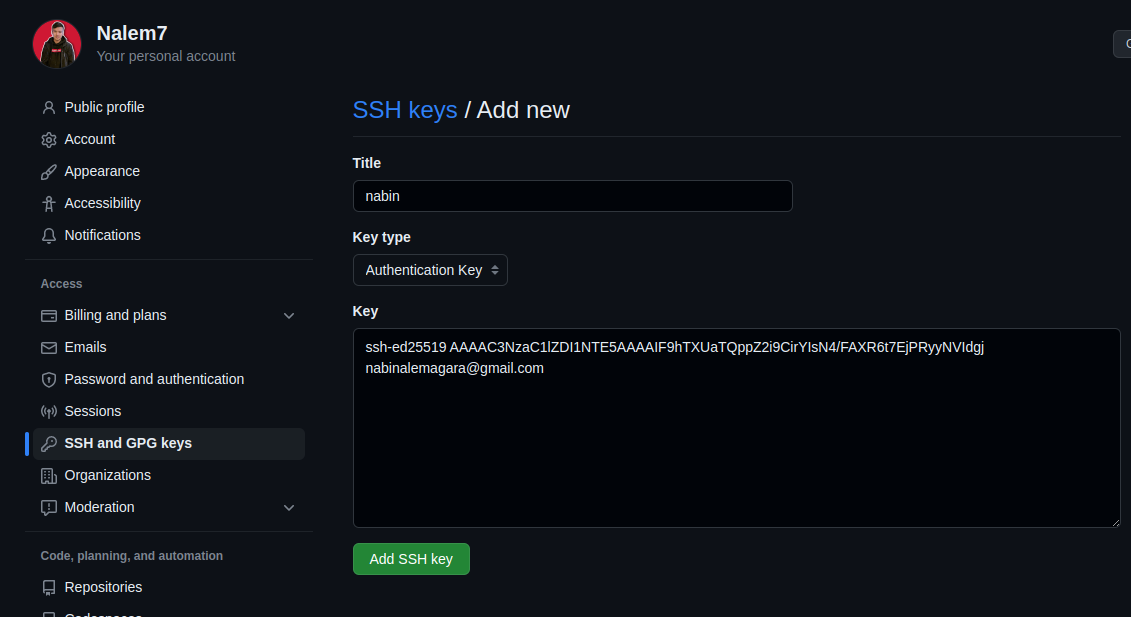
For installing the git in Linux mint 1. $ sudo apt install ppa-purge 2. $ sudo ppa-purge ppa:git-core/ppa 3. $ sudo apt purge git 4. $ sudo apt install git Configuring the git 1. for username, email, and other config. $ git config --global user.name "nabim777" $ git config --global user.email “ nabinalemagar019@gmail.com ” to view the listing of config $ git config –list 2. go to the home directory like (you can skip) $ pwd finding the .gitconfig $ ls -all open that .gitconfig files $ xdg-open .gitconfig Notes: yo page options ho hai skip gardim… pahila arko page try gardim la error ayo vani balla yo haii I have done this and started a. $ sudo apt-get install libcurl4-gnutls-dev libexpat1-dev gettext libz-dev libssl-dev asciidoc xmlto docbook2x b, $ git clone https://git.kernel.org/pub/scm/git/git.git keys Gen...